

Money
Expenses, balances, splits and settlements are not part of the public link.
Public trip link
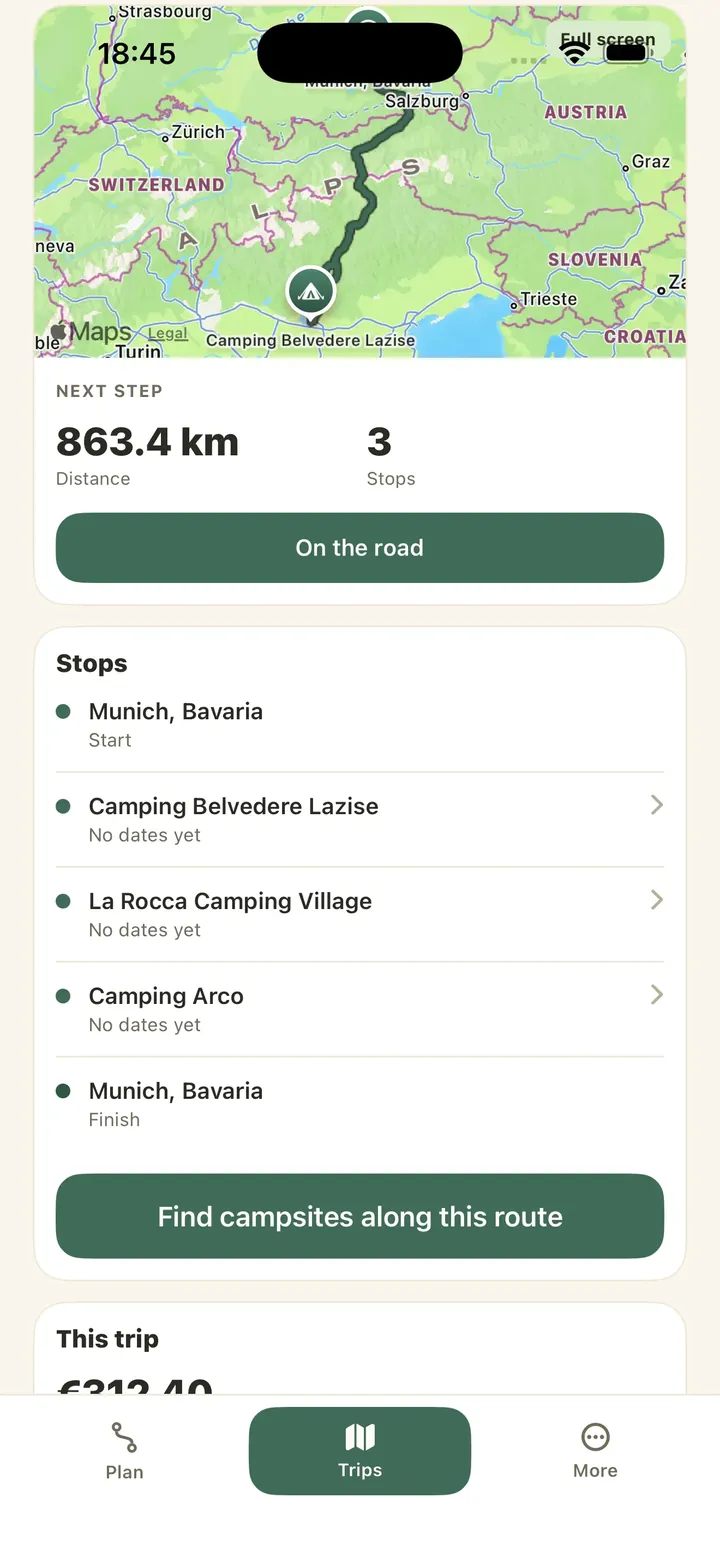
Create a public link when family or friends need the outline of the journey, not access to the camping group’s working details.
Choose when to publish and when to update or disable the link.
Expenses, balances, splits and settlements are not part of the public link.
Inventory, checklists, packing items and private notes remain inside the authorised group.
Trip moments and the private recap do not become public through this link.
Publish the route, stops and period for the weekend. Family can see the outline, while fuel costs, packing, notes and private moments remain inside the camping group.
The published view is reduced, but the URL can be forwarded. It is not live tracking and it does not automatically reveal later private edits.
No. The public link is a read-only reduced view.
No. Caravanios does not provide live tracking.
The camping-group owner can create, update or disable it. In older camping groups, a member who already has an owner or admin role may also have that permission.
Review the published view before sending the link and disable it when it is no longer useful.
See where costs and memories live without entering the public trip view.